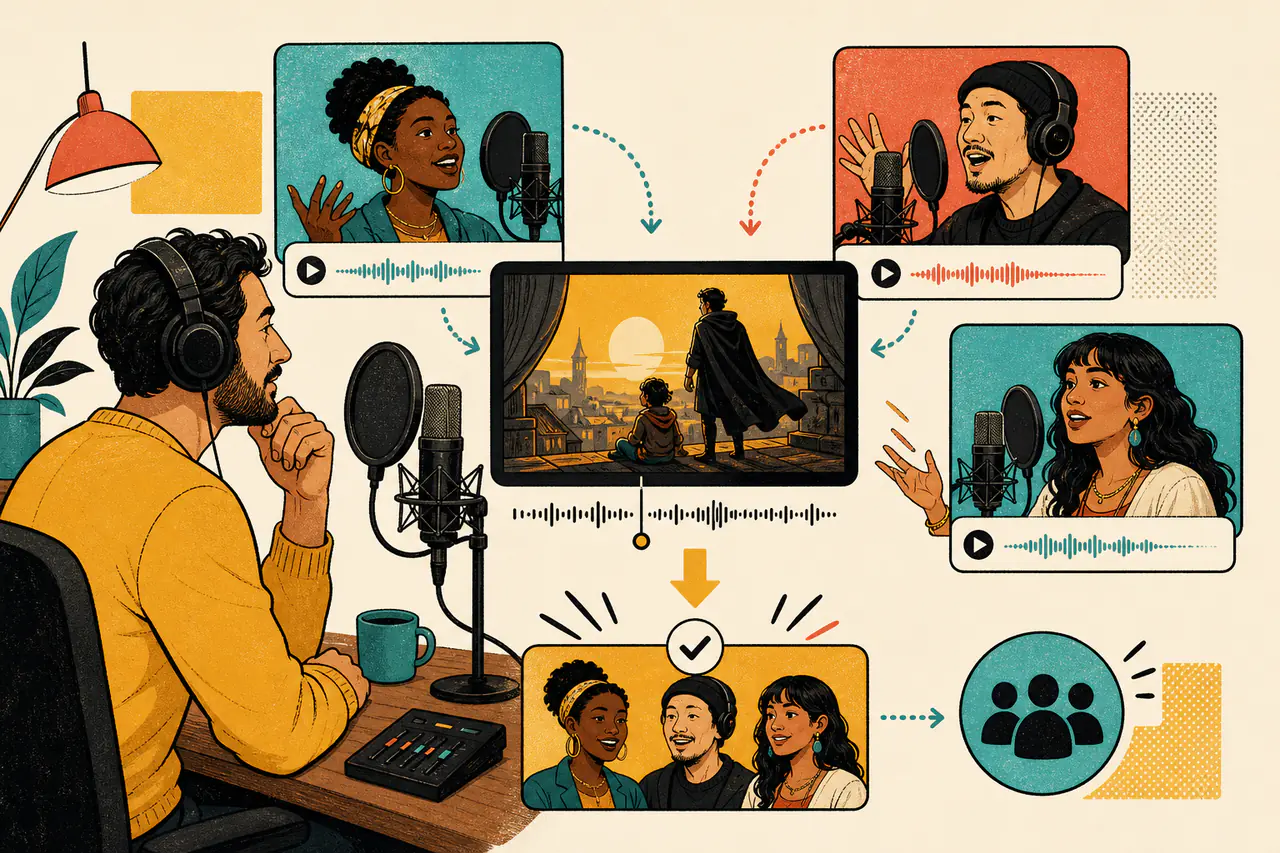
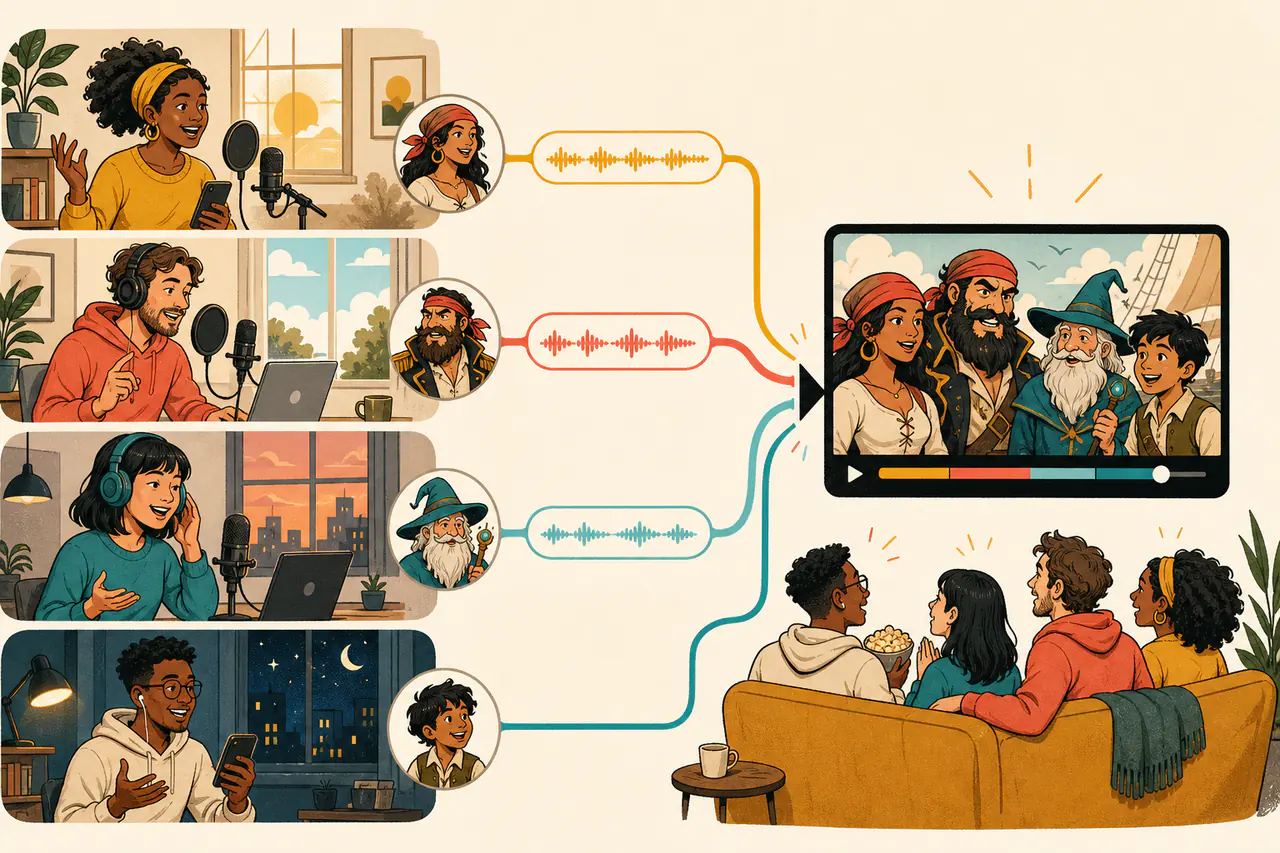
Choicer Voicer online multiplayer shows recruiting, in-progress, and completed casts. Hear the host, check the language and open seats, and choose a room that fits you.
From audition to final cut
How Choicer Voicer Online Multiplayer Works
Choicer Voicer online multiplayer turns one prepared scene into a group performance without forcing everyone into the same call. The host uses Choicer Voicer online multiplayer to build the cast, assign the lines, review every take, and finish one shared video.
1
Find a room or start your own
Open a recruiting Choicer Voicer online multiplayer room when you want to join another cast. Play its preview, listen to the host, and check the language and seats. To direct instead, choose Create a room, select a scene, set the cast size, and record a short host sample.
2
Record one private audition line
The Apply button checks eligibility before any recording work. Choicer Voicer online multiplayer then gives an eligible player one prepared line with its exact video moment, caption, and reference sound. Try the next line or another random line, record the one you prefer, and submit it privately to the host.
3
Join the cast and record your part
When the host accepts your audition, the seat becomes active immediately. Choicer Voicer online multiplayer links straight into the room, where the host assigns a character or individual lines. You see only your own recording work, while the rest of the cast performs from their own devices.
4
Review, retake, and finish the group dub
The host reviews every submitted performance. Choicer Voicer online multiplayer lets the host approve strong takes or return one line with a retake request. Final generation waits until every line is assigned, submitted, and approved. The completed public-room video then appears in Video Exports for the host and paid lobby participants.
Choicer Voicer online multiplayer is asynchronous group dubbing, not live voice chat. Choicer Voicer online multiplayer keeps auditions, assignments, takes, approvals, and the final result together. A cast may plan in a call or chat, but nobody has to wait while every other player records.
Two ways to build a cast
Choose a Choicer Voicer Online Multiplayer Room
Every Choicer Voicer online multiplayer room uses the same line-by-line recording experience and 72-hour lifetime. Public rooms recruit through the lobby; private rooms invite people the host already knows. Choicer Voicer online multiplayer keeps both paths inside the same directed recording flow.
Public Choicer Voicer Online Multiplayer Rooms
Use a public Choicer Voicer online multiplayer room when you need players. The host opens one to four seats in addition to the host, records a sample, and publishes the room. Visitors see the scene, language, time left, masked host identity, accepted cast, and host sample before applying.
Public Choicer Voicer online multiplayer applications use one short audition. An accepted player joins immediately, while a pending application changes the room button to Applied so the same user cannot submit twice. A rejected application or terminal capacity failure restores reserved player credits.
Private Choicer Voicer Online Multiplayer Rooms
Use a private Choicer Voicer online multiplayer room when the cast is already known. The host creates named slots and sends each person a separate link. Private rooms stay out of the lobby and skip public auditions, but still support assignments, submissions, retakes, previews, and a finished group dub.
Public discovery is the right Choicer Voicer online multiplayer path for an open cast. Private invitation fits friends, classmates, creators, or voice actors who already agreed to perform. Choose the cast method before creating the room; a private room does not need to become public later.
Friends on different schedules
Choicer Voicer Online Multiplayer for Real Schedules
Choicer Voicer online multiplayer gives the cast 72 hours from room creation. Publish or invite early, assign work as seats fill, and ask players to aim for a first submission within two hours. That target keeps momentum, but an active player is not automatically removed after two hours.
The host directs Choicer Voicer online multiplayer from casting to final cut. They compare auditions, assign characters or lines, check progress, approve takes, and request specific retakes. In Choicer Voicer online multiplayer, participants get a focused view with their own caption, reference timing, countdown, recording progress, playback, and status.
Choicer Voicer online multiplayer works across different schedules and devices. Every performance stays attached to the correct scene and line, so the cast does not have to exchange loose audio files or rebuild the conversation. Each player can retry privately before the host reviews the submitted take.
For a first Choicer Voicer online multiplayer room, choose a short scene and a small cast. Agree on names, pronunciation, tone, and deadline before recording. Headphones and a steady microphone distance help separate recordings sound more consistent when the host reviews the complete conversation.
Clear access before recording
Listen Before You Apply
Browsing Choicer Voicer online multiplayer rooms, opening a requested preview, and hearing a host sample do not charge credits. Before the audition recorder opens, Apply checks for an active membership or at least 5 spendable credits, so an ineligible visitor sees the membership and credit choices first.
In Choicer Voicer online multiplayer, an active member submits without the 5-credit player charge. A non-member reserves 5 credits only when the recorded audition is submitted. Changing the line or retaking it creates no extra debit. Choicer Voicer online multiplayer turns an accepted reservation into room access without a second charge.
Choose an included room or credits
Choicer Voicer online multiplayer hosts need an active Play, Studio, or Creator membership. Use an included monthly room when available or choose credits. The public-room launch offer is 15 credits; a private room is 25 credits. Review, retakes, final generation, and retained downloads are included.
Yes. Choicer Voicer online multiplayer supports up to five people including the host. Use a private room for a known cast or publish a public room for auditions. Each person records assigned lines from their own device, and the host directs one shared result.
Does everyone need to be online at the same time?
No. Choicer Voicer online multiplayer is asynchronous. The room lasts 72 hours, and each player records on their own schedule. A call or group chat can help plan tone and pronunciation, but it is not required to complete the room.
How does a public-room audition work?
The applicant hears the host, then records one prepared scene line. Choicer Voicer online multiplayer shows the exact clip, caption, reference sound, countdown, and progress. The applicant may switch lines before submitting, and only the host can review the private sample.
What happens after the host accepts an applicant?
Acceptance immediately activates the participant seat. The card changes to Open room, and My Multiplayer Rooms shows the same access. In Choicer Voicer online multiplayer, the host assigns a character or individual lines; the player starts recording without another application or credit step.
How much does it cost to join a public room?
An active member does not pay the 5-credit player charge. A non-member reserves 5 credits when the audition is submitted. Browsing the Choicer Voicer online multiplayer lobby and hearing a host are free, and eligibility is checked before the recorder opens.
What happens when a room reaches 72 hours?
The room stops accepting work after its original 72 hours. Choicer Voicer online multiplayer does not automatically refund a successfully published room because a cast failed to finish. Creation or publication failures release an unconsumed reservation; exceptional completed charges are reviewed through support.
Who receives the finished public-room video?
The host and every signed-in active participant from the paid lobby flow receive the same final video. Choicer Voicer online multiplayer keeps it in Video Exports for the normal 30-day paid retention period. Public-room participants share view and download access to one result.
Find Your Next Choicer Voicer Online Multiplayer Cast
Open a room above when you want to perform, or create a Choicer Voicer online multiplayer room when you are ready to direct. Listen first, record one line at a time, and finish a group dub shared with every paid public-room participant.