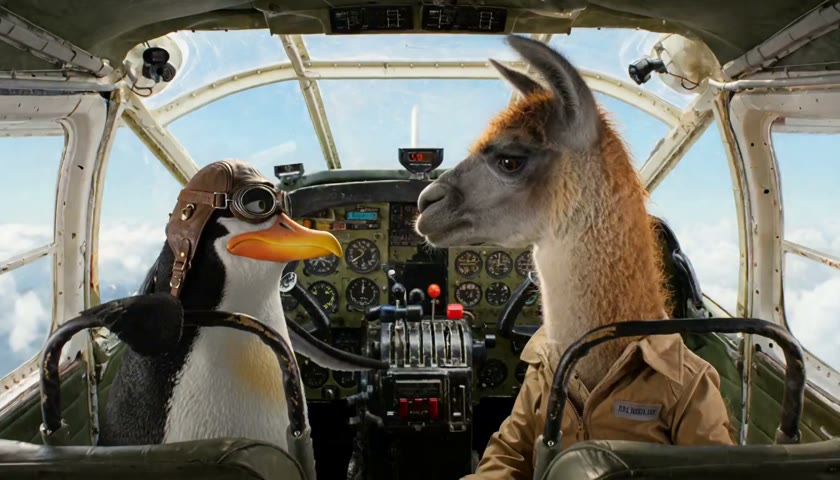
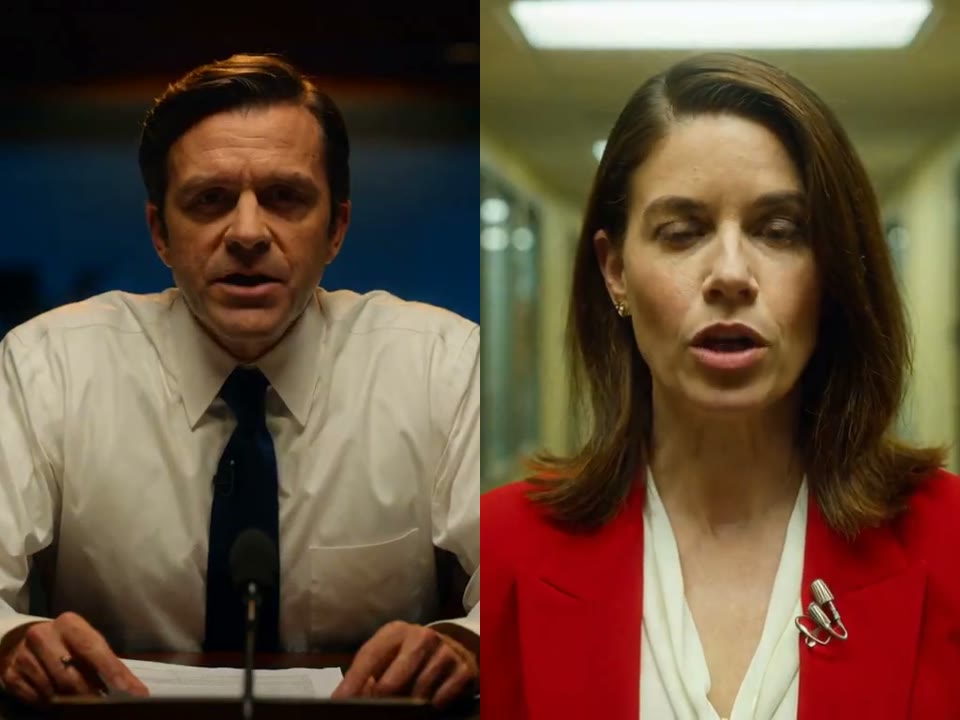
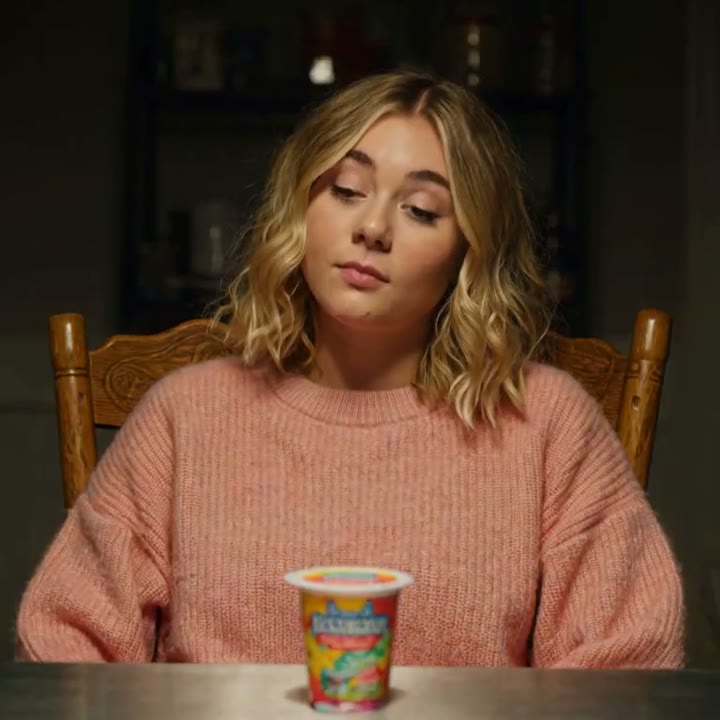
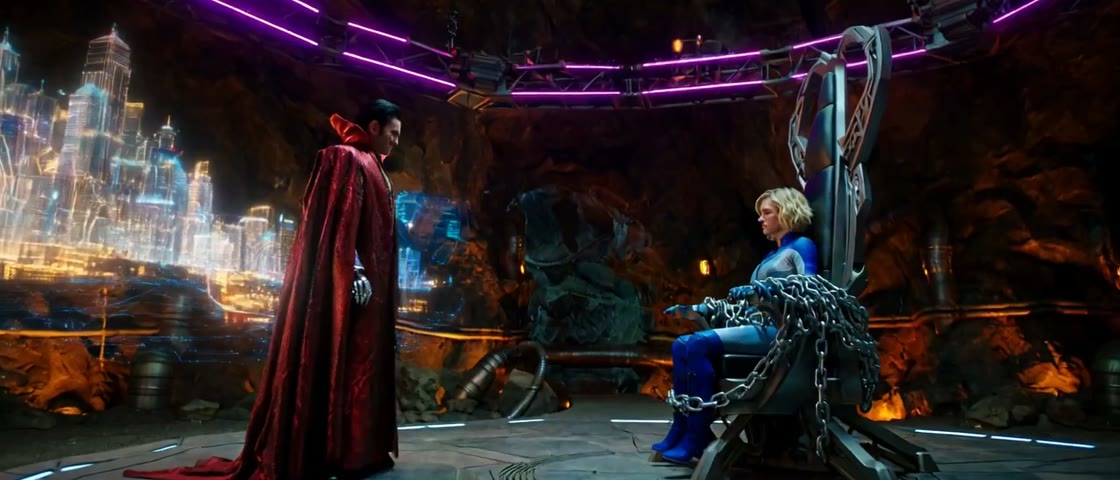
What does this AI video generator make?
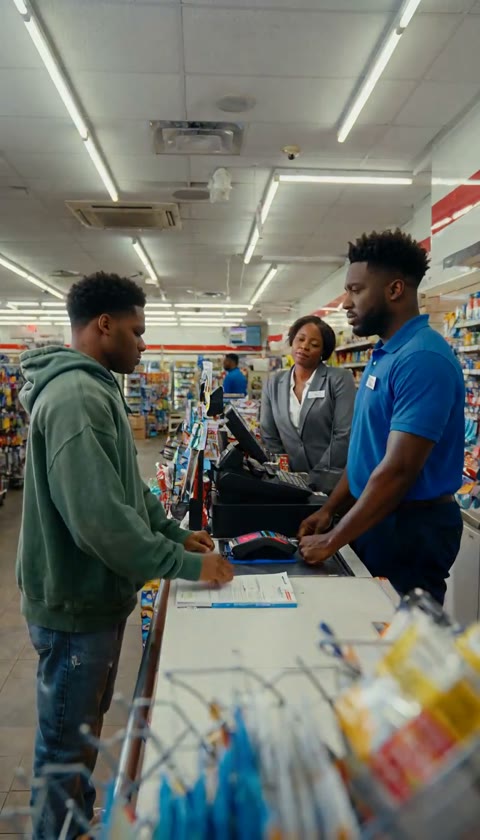
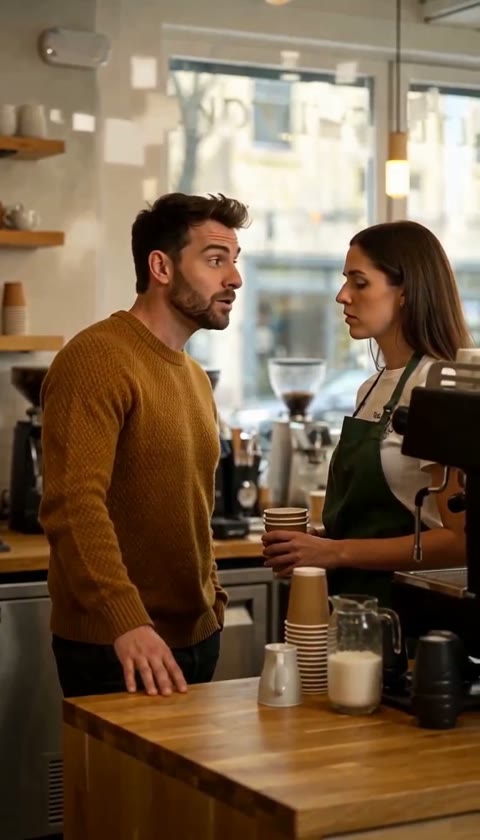
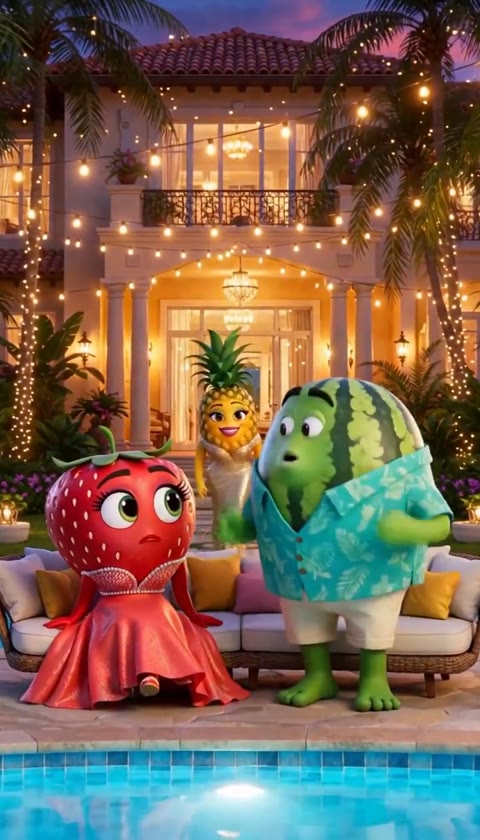
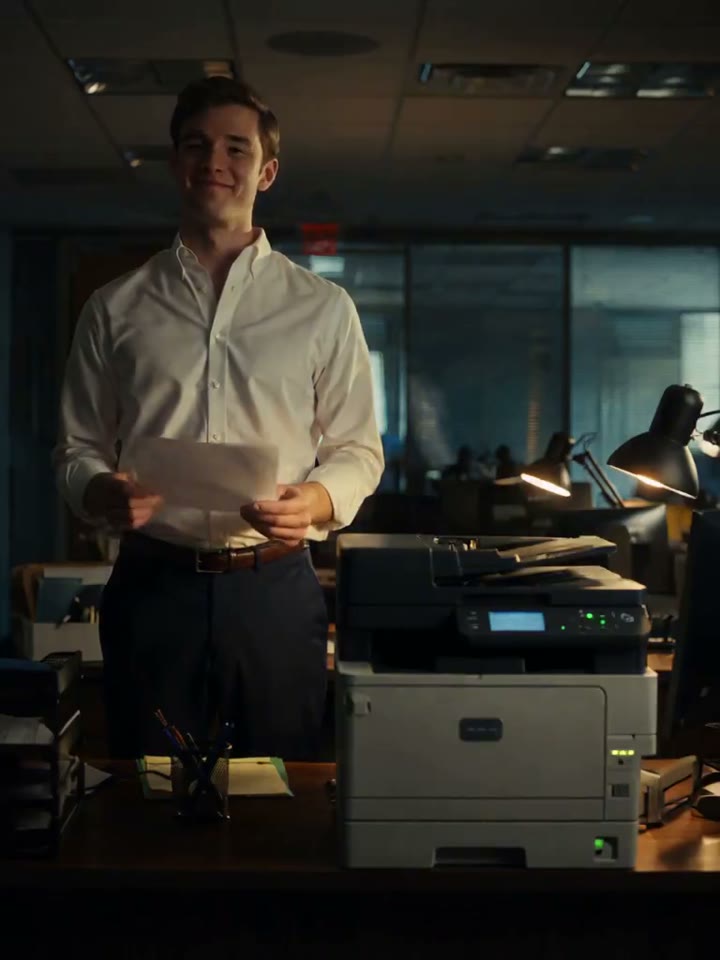
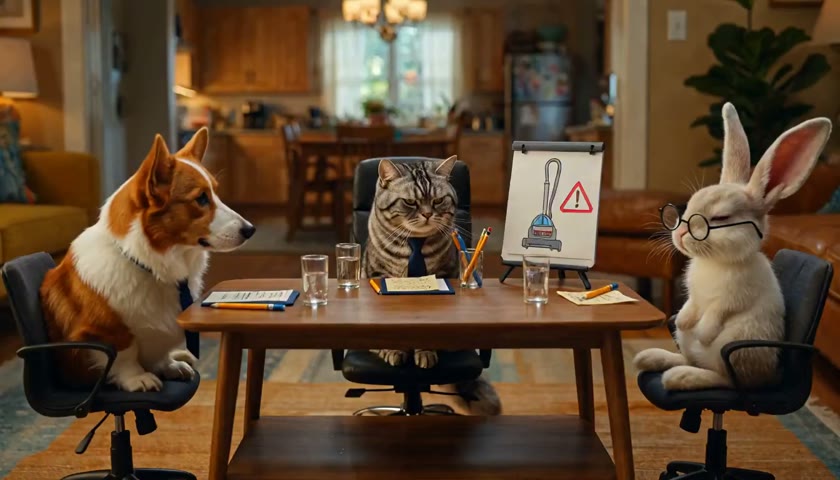
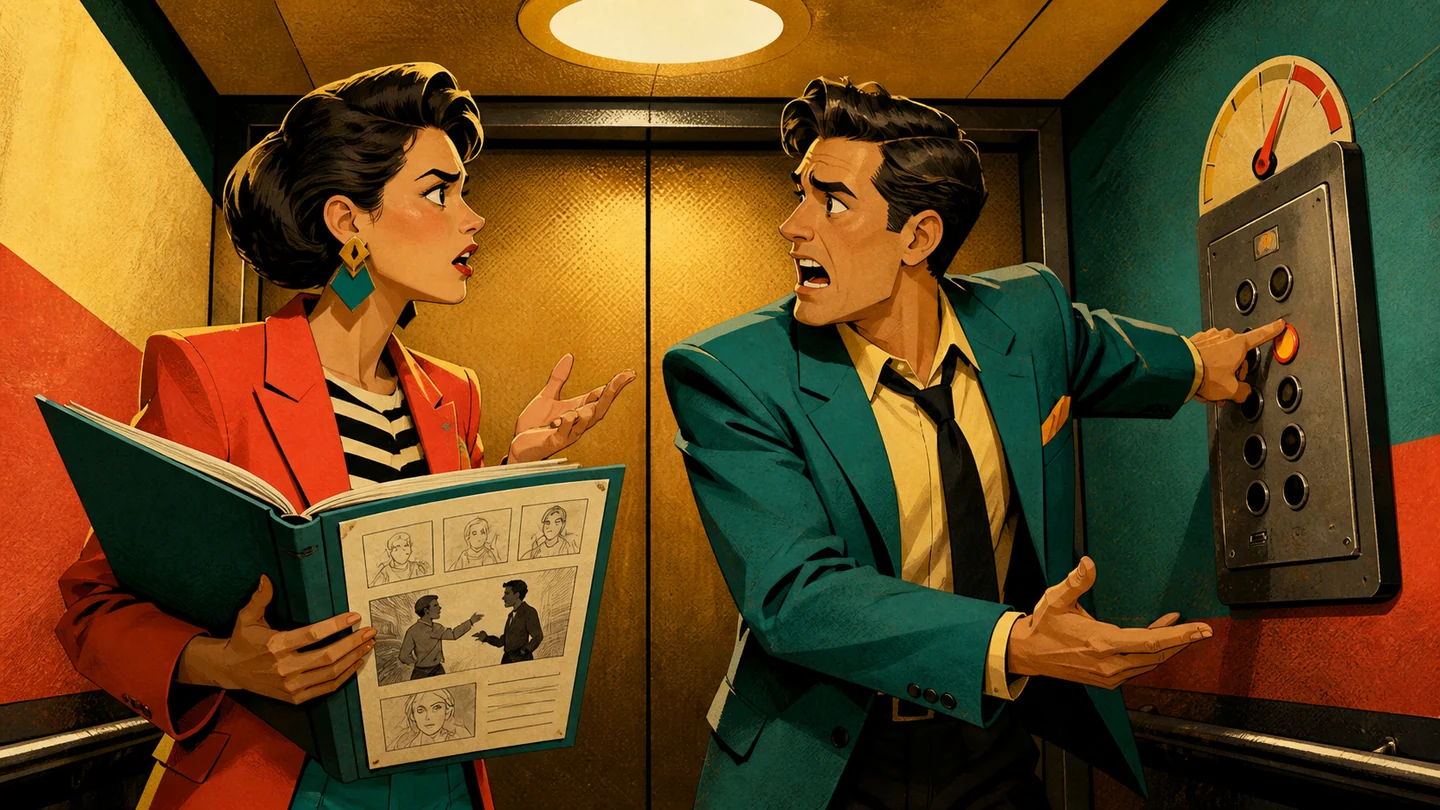
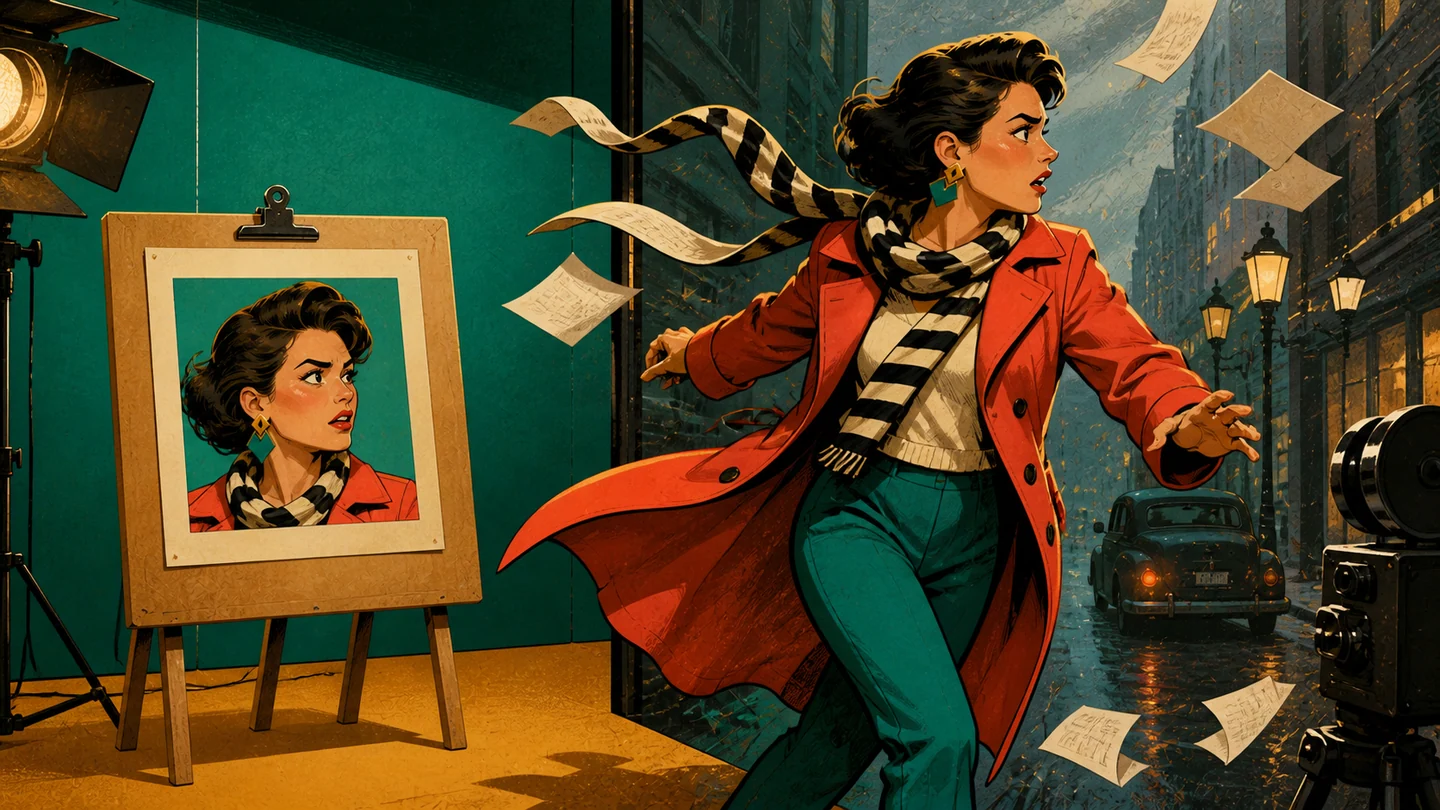
This AI video generator makes short, original scenes from your written description. You can describe the cast, setting, action, mood, camera, and spoken lines, then send the finished result into ChoicerVoicer to prepare lines and record your own performance.
Can I use the AI video generator from text only?
Yes. Leave the start-frame area empty and write a prompt of at least 20 characters. The AI video generator uses that text to build the scene, so include the people or subjects, location, action, visual style, camera direction, and the reactions you want to see.
Can the AI video generator start from an image?
Yes. Upload a JPEG, PNG, or WebP start frame and add a written prompt that explains the motion and scene. When a start image is present, the AI video generator follows the image ratio automatically, so the manual aspect-ratio choices are unavailable for that request.
Which video settings can I choose?
Without a start image, the AI video generator supports 16:9, 9:16, 1:1, 4:3, 3:4, and 21:9. Choose a length from 4 to 15 seconds and request one, two, three, or four separate 768P videos. Each output is created and charged separately.
How many credits does the AI video generator use?
The AI video generator currently costs three credits per second for each output. The generate button shows the complete total before you start. For example, one five-second video costs 15 credits, while four five-second outputs cost 60 credits.
Are my prompt and start image checked before charging?
Yes. The AI video generator checks the prompt and any uploaded start image before generation begins and before credits are charged. A request that cannot pass the safety check does not start. If a charged generation later fails, its credits are returned automatically.
Where can I find a completed AI video?
A completed result appears below the AI video generator during the request that created it. Saved results also appear in AI generate video inside your account, where you can preview, rename, download, or send a video into the dubbing workflow. Saved AI media is retained for up to 30 days.
Can I record voices over an AI video generator result?
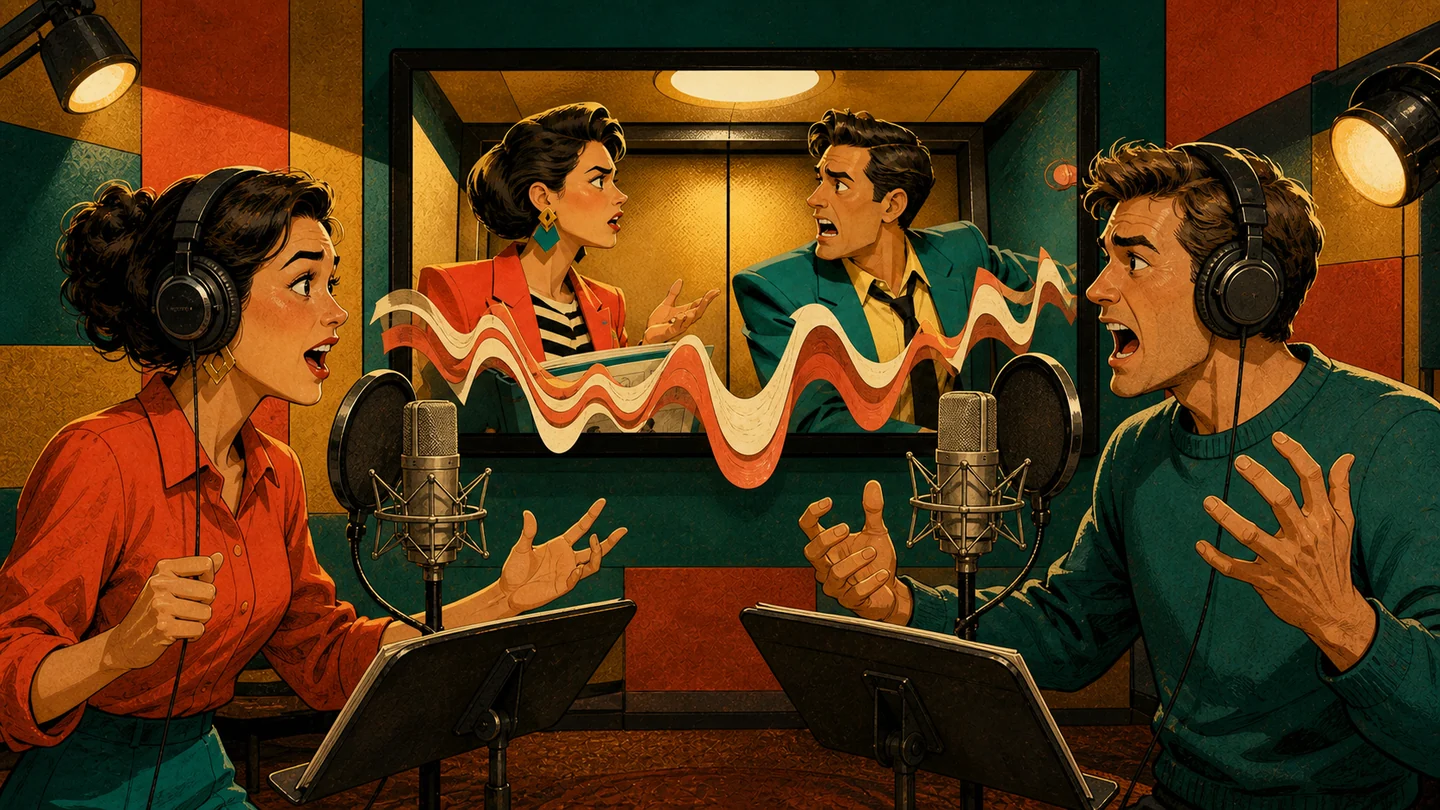
Yes. Choose Split Lines & Dub on a completed result. ChoicerVoicer places the video into the upload area first, then you decide when to start the paid preparation step. After the lines are ready, assign characters and record each part in your own style.
Can I generate copyrighted characters or real people?
Use the AI video generator for original ideas and media you have permission to use. Do not request protected characters, celebrity likenesses, or copied scenes. Your saved projects are private by default, but you remain responsible for what you create and later choose to publish.